 Trahex
Trahex
Trahex
A fast, lightweight window manager for macOS.
Snap, resize, and organize your workspace effortlessly.
A powerful macOS window manager designed for fast snapping, seamless multitasking, and perfectly organized workflows.
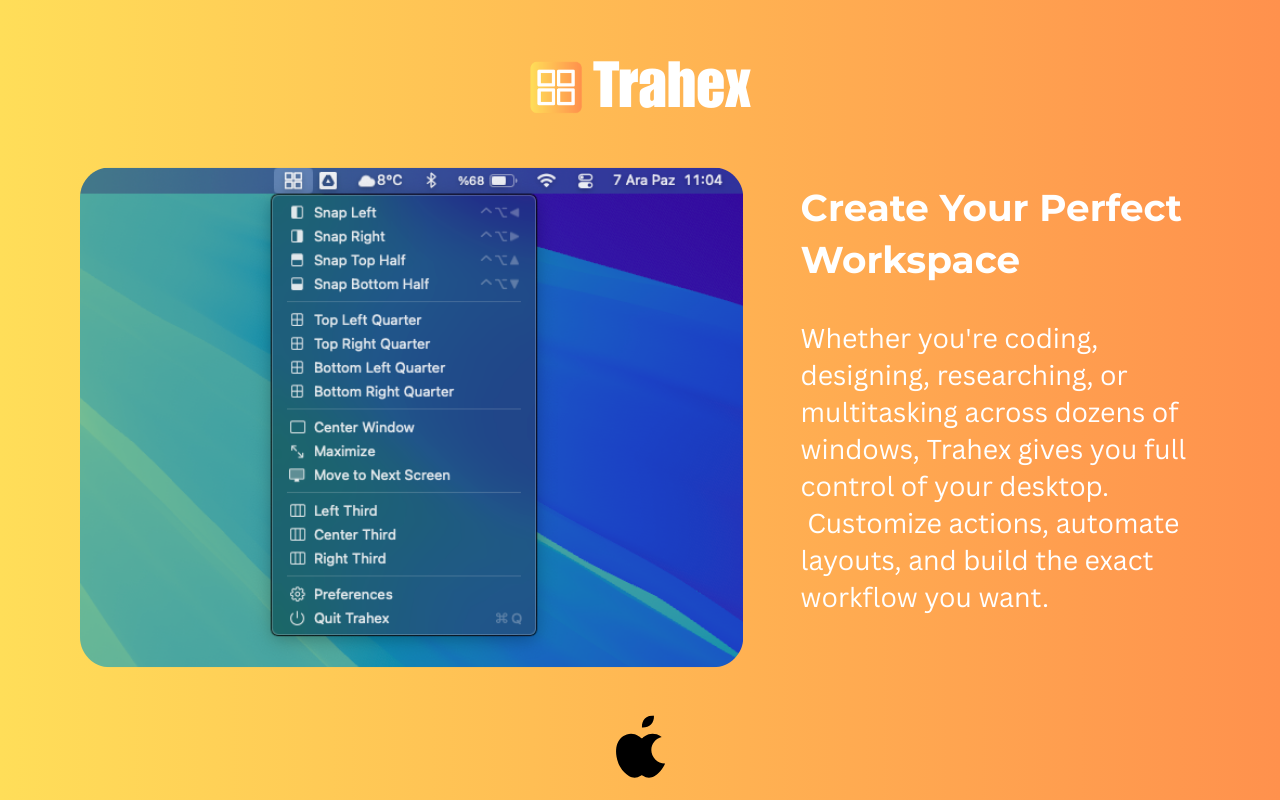
Maximize – Instantly resize the window to occupy the entire usable display area.
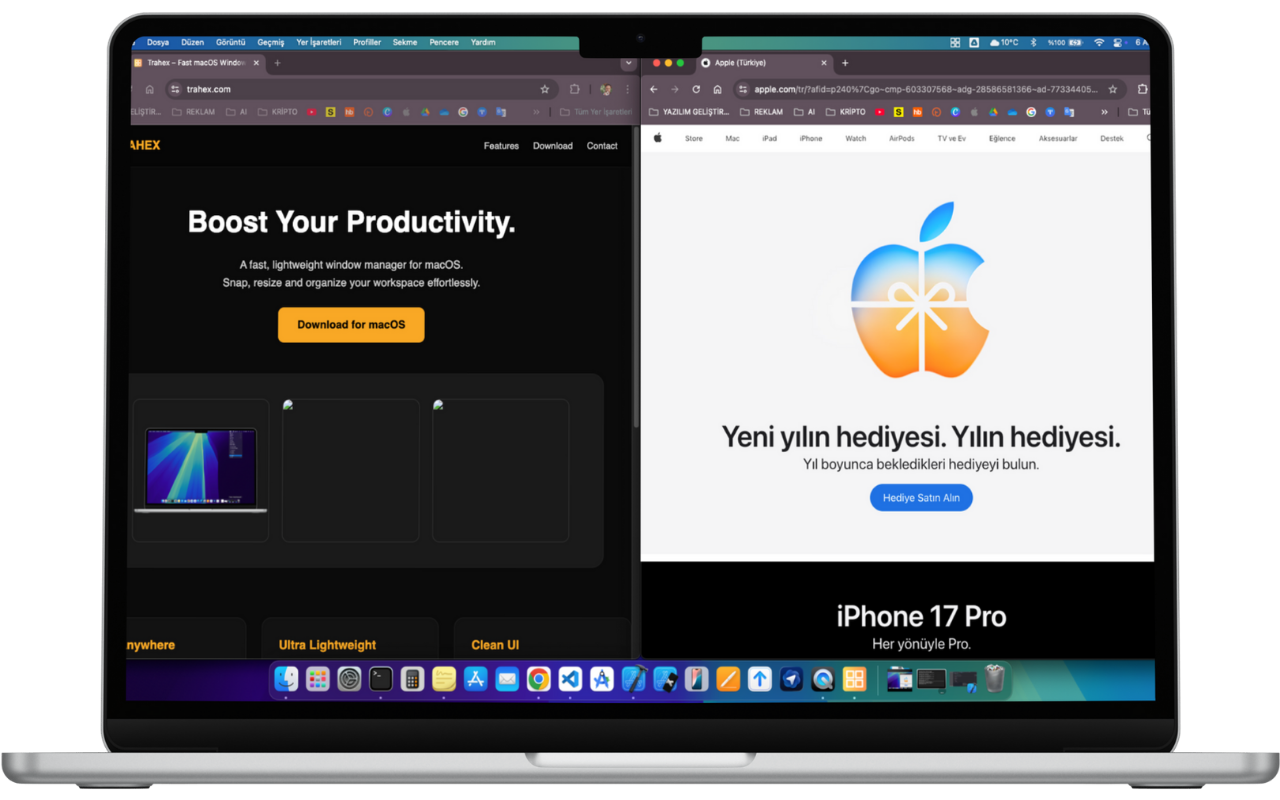
Left Half – Perfect for keeping reference material or chats on the side.
Right Half – Great for browsers, editors, or focused single-pane work.
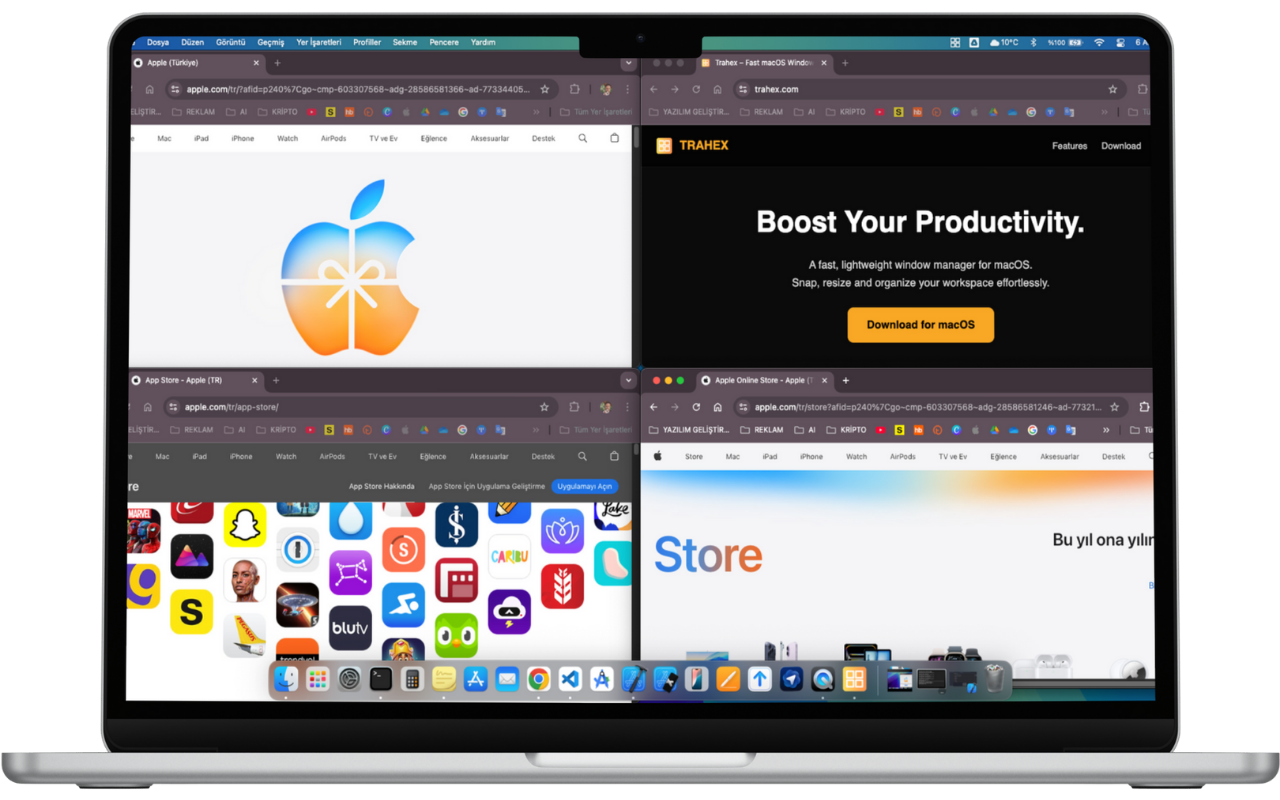
Top-Left & Top-Right – Organize two apps cleanly in the upper workspace.
Bottom-Left & Bottom-Right – Ideal for monitoring tools, notes, or secondary views.
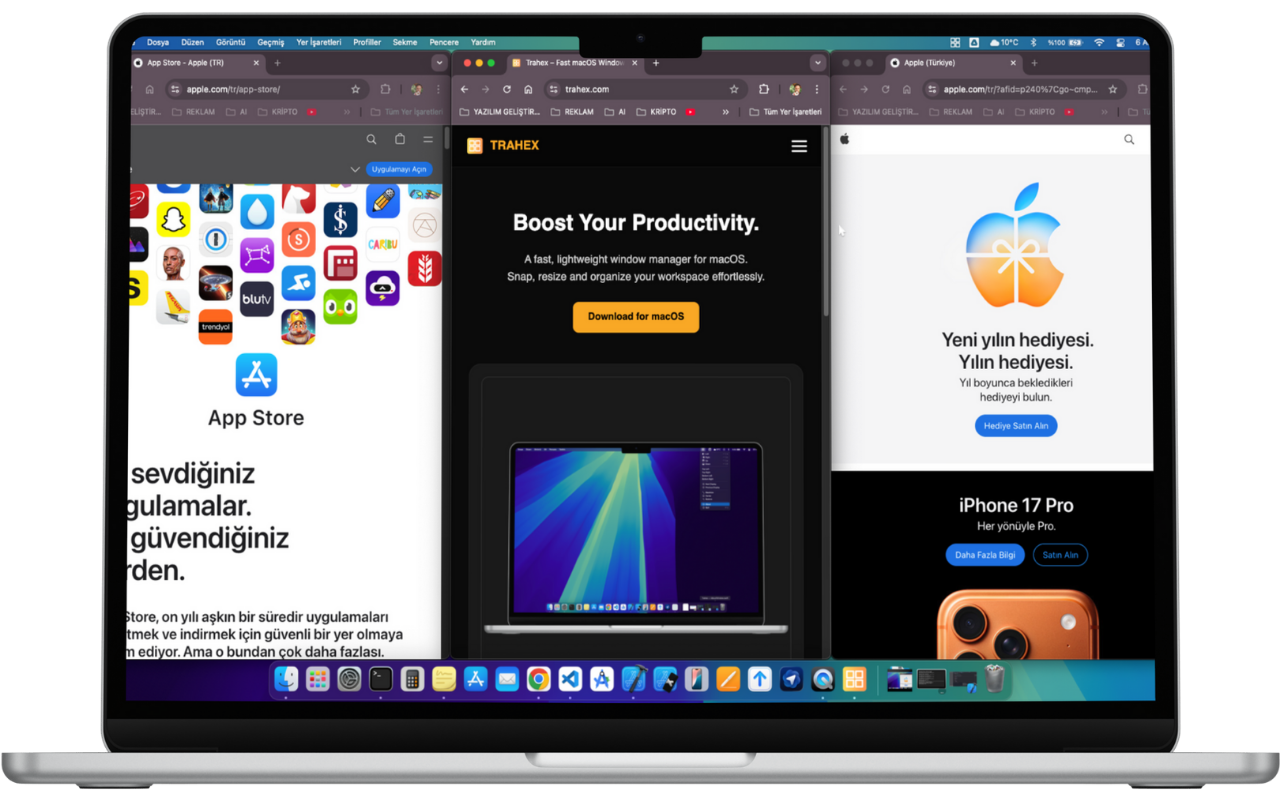
Third Layouts – Precise 1/3 snapping for advanced multi-window workflows.
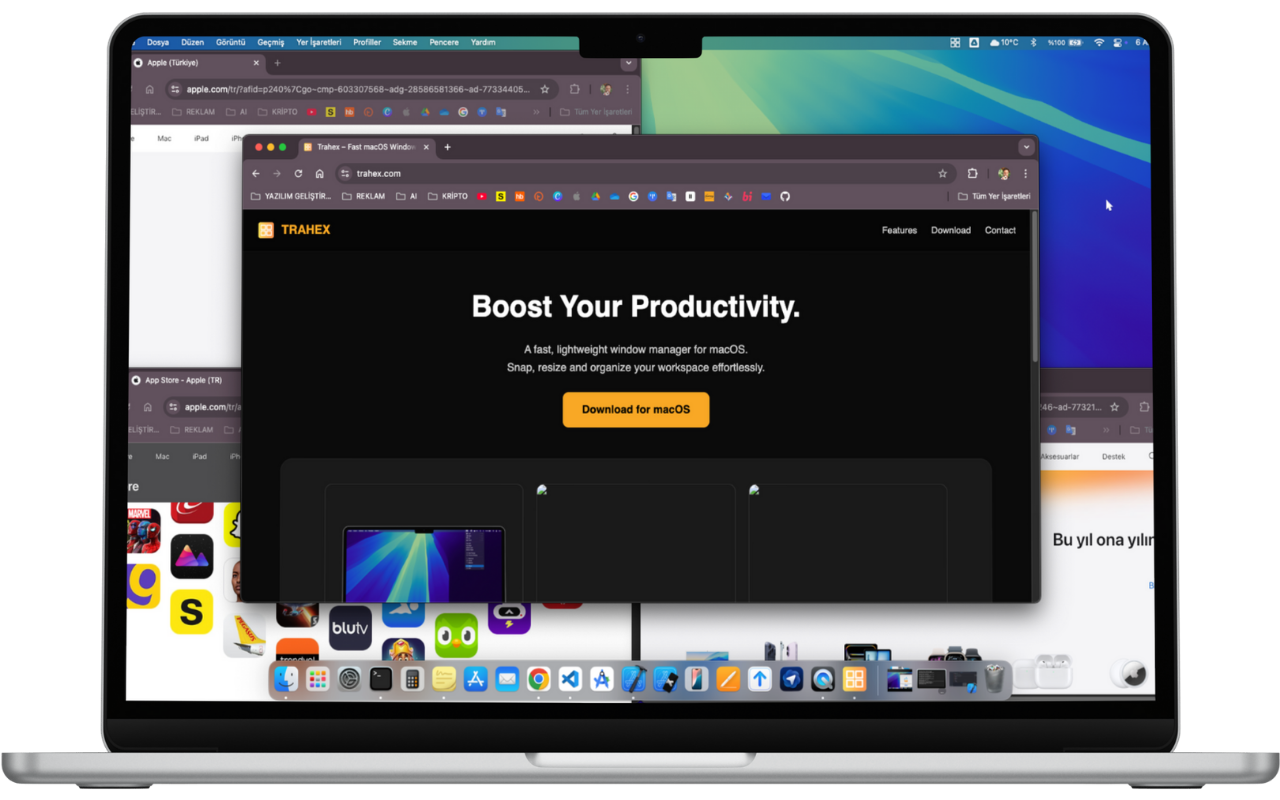
Center – Perfectly centered window for focused, distraction-free work.
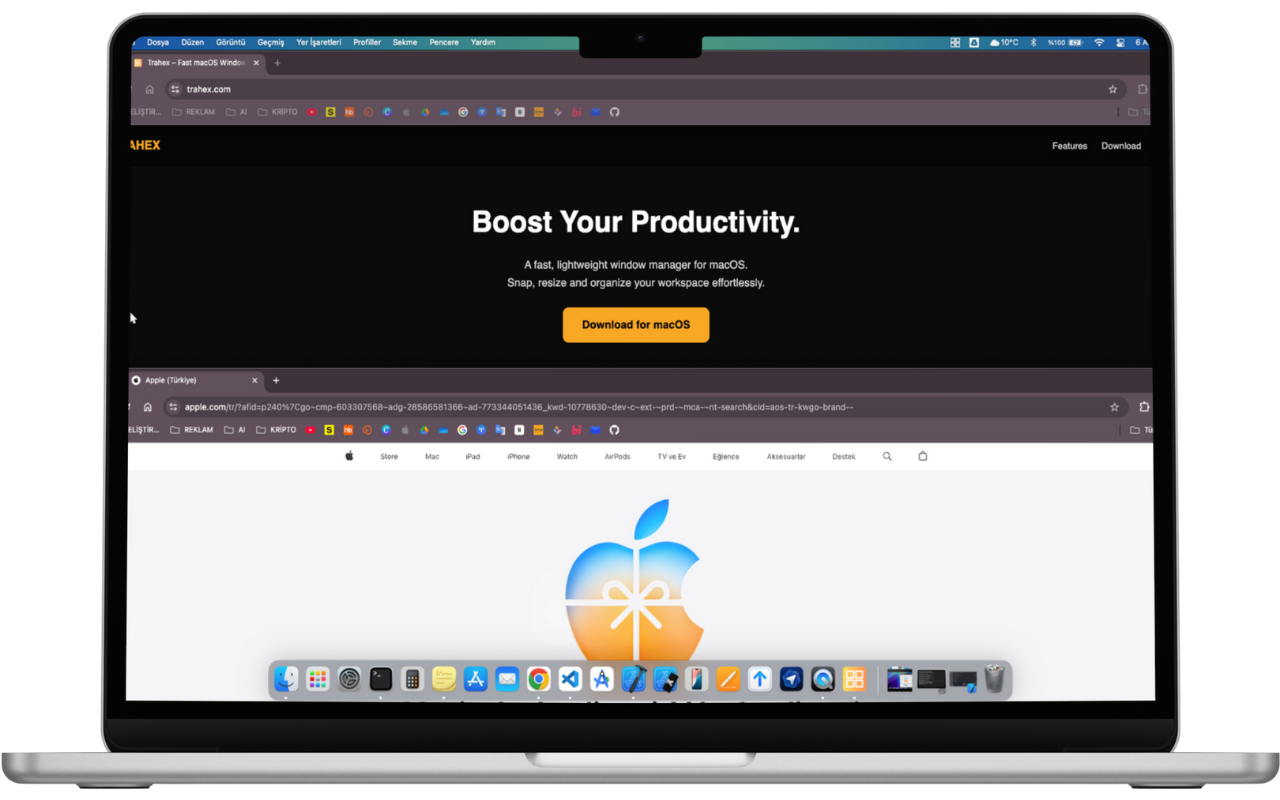
Half-Screen Layouts – Split your workspace vertically for efficient multitasking.
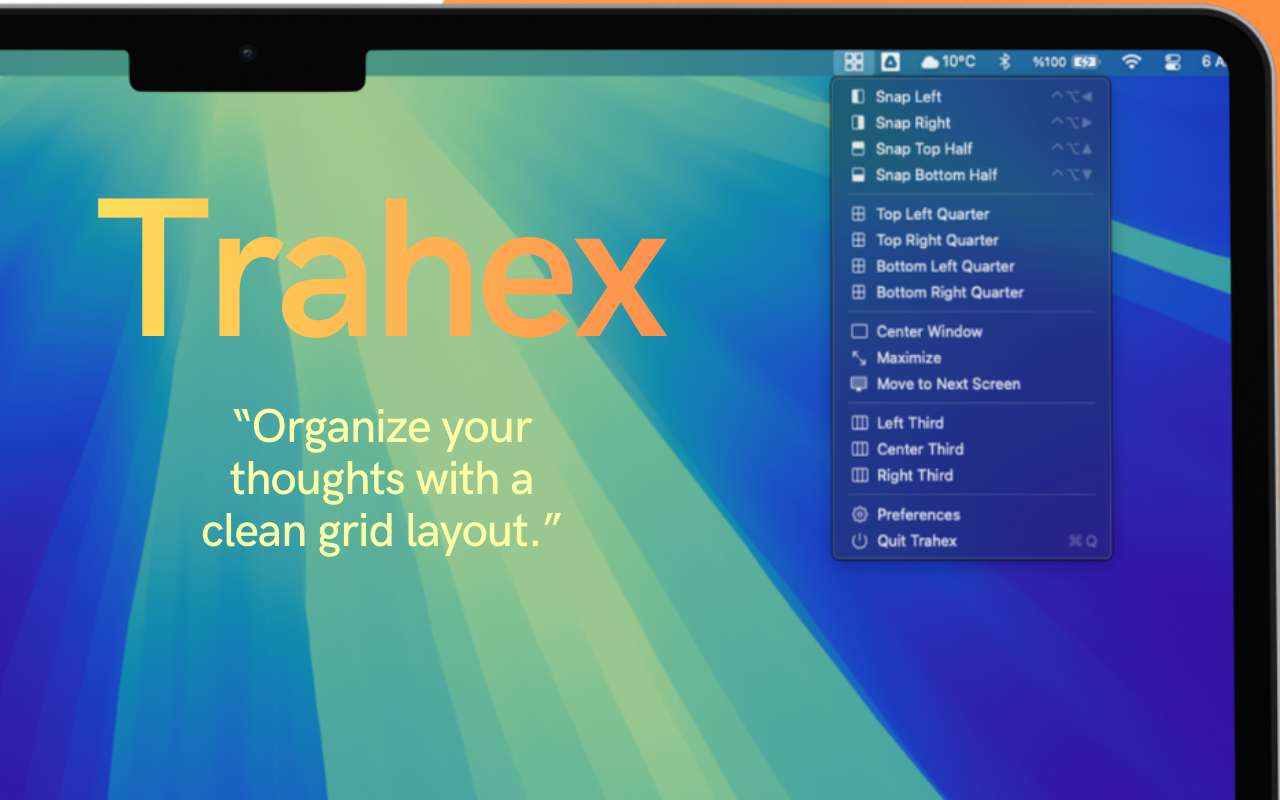
Trahex allows you to arrange windows just by dragging, and all snapping shortcuts can be personalized from the Preferences panel.
Snap windows to halves, quarters or thirds with a single shortcut — fast, precise and fluid.
Prefer the mouse? Simply drag a window to organize it instantly. No learning curve.
Every shortcut can be personalized. Set your own commands for snapping, centering or moving windows.
Trahex detects all screens and lets you move windows across displays with a single shortcut.
Runs quietly in the menu bar with minimal CPU and memory usage — built for all-day workflows.
Use built-in layouts like side-by-side, grid setups or full-width modes to organize your workspace instantly.
Access all snapping actions, preferences and tools directly from the menu bar for seamless navigation.
A clean, modern interface designed to stay out of your way while improving your workflow.
Trahex automatically centers or adjusts windows to the optimal position, keeping your workspace clean and balanced.
These Terms of Use govern your access to and use of Trahex, a macOS window management utility designed to improve productivity and window organization. By using Trahex, you acknowledge that you have read, understood, and agree to be bound by these terms.
Trahex is licensed, not sold. You are granted a non-transferable, non-exclusive, revocable license to install and use the software on macOS devices that you own or control. You may not modify, distribute, reverse-engineer, or copy the software except as explicitly permitted by applicable law.
You may use Trahex for personal or professional purposes in accordance with Apple's App Store policies and all applicable laws. Improper, unauthorized, or harmful use of the software is strictly prohibited.
You agree not to:
All rights, ownership, and intellectual property associated with Trahex—including code, design, branding, images, and documentation—remain the property of the developer. Unauthorized duplication or reproduction is prohibited.
The developer may provide updates, improvements, or new features. These updates are subject to the same Terms of Use unless stated otherwise. The developer reserves the right to modify or discontinue features at any time.
Trahex is provided “as is” without any guarantees or warranties, express or implied. The developer does not guarantee error-free performance or uninterrupted availability. Use of the software is at your own risk.
In no event shall the developer be liable for any indirect, incidental, consequential, or special damages arising from the use or inability to use Trahex, including loss of productivity, data loss, or system malfunction.
Your license may be terminated if you violate these Terms. Upon termination, you must cease all use of Trahex and uninstall it from your devices.
These Terms shall be governed by and interpreted in accordance with applicable international software licensing standards and the relevant legal jurisdiction of the developer.
For questions related to these Terms, please contact: codertrx@gmail.com
This Privacy Policy explains how Trahex handles data and protects user privacy. Trahex is designed with privacy in mind and does not collect, store, or share personally identifiable information.
Trahex does not collect personal data, such as your name, email address, device identifiers, or files. The application operates entirely locally on your macOS system.
To improve stability and performance, Trahex may use anonymous diagnostic information provided through Apple’s system-level analytics tools. These reports do not contain personal information and cannot identify individual users.
Trahex does not use tracking technologies, advertising identifiers, third-party analytics frameworks, or cookies. No data is used for marketing, targeted advertising, or profiling.
All window management actions and system interactions occur locally on the user's device. Trahex does not transmit data to external servers.
Trahex does not integrate with third-party services that process personal data. Any functionality provided through macOS APIs adheres to Apple’s privacy requirements.
The software does not store sensitive information. Nevertheless, industry-standard practices are used to ensure secure operation, stability, and compatibility with macOS security layers.
Trahex does not target or provide services for children. Since no data is collected, no child-specific data protections are required.
The developer may update this Privacy Policy as needed to reflect improvements or changes in functionality. Updated versions will be made available within this page.
If you have any privacy-related questions, you can reach us at: codertrx@gmail.com
Email: codertrx@gmail.com
Ankara, Turkey